Original: $74.99
-70%$74.99
$22.50The Story
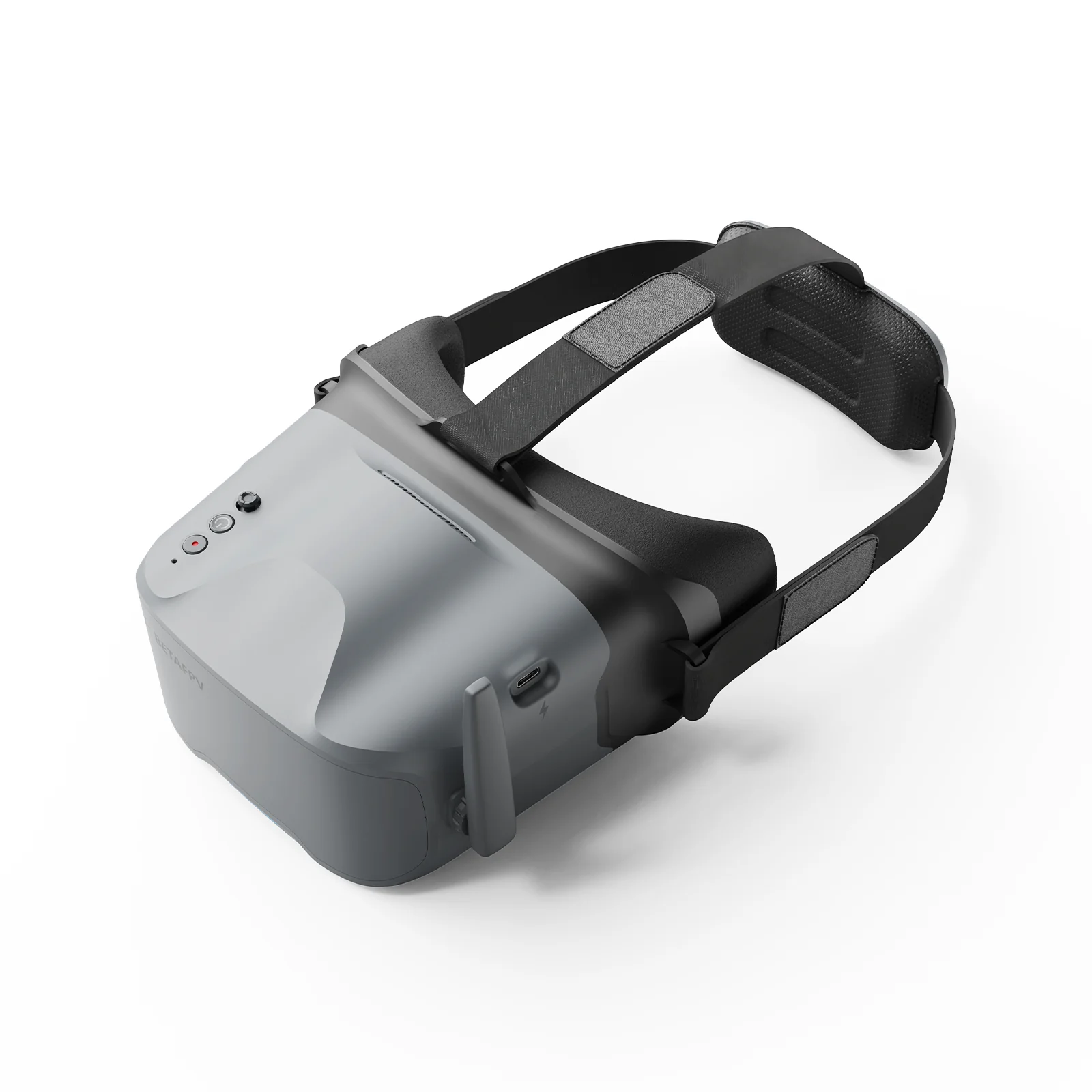
Designed for total immersion and comfort, the VR04 FPV Goggles feature a glasses-friendly design with ample space, so you never have to remove your eyewear. Enhanced with contoured face padding and a soft rubber nose bridge, they block outside light effectively while fitting securely for longer, more focused sessions. The 2000mAh built-in battery provides up to 2 hours of standby time, while one-button recording lets you effortlessly capture footage directly to a microSD card and relive your flights anytime.

Bullet Points
- Glasses-Friendly Fit: Spacious interior lets you wear your glasses comfortably while flying.
- Full Light-Blocking Design: Contoured face padding and a soft nose bridge seal out glare for total immersion.
- 2000mAh Built-in Battery: Supports up to 2 hours of continuous use and can be conveniently powered by any 2–6S whoop batteries.
-
One-Button Recording: Instantly capture smooth footage directly to the goggles with a single press.
Specifications
- Size: 168.8x182.1x98.5mm
- Weight: 425g±10g
- Video Format: NTSC/PAL
- Supported Channel: 48CH
- Screen Size: 4.3 inch
- Screen Resolution: 800*480
- Battery: 3.7V, 2000mAh
- Runtime: About 2 hours in normal mode, about 1 hours in recording mode
- Antenna Port: RP-SMA
- Charging Port: Type-C
- Card Slot: MicroSD card (Not included), Supports FAT32 system, maximum 64GB storage
- Recording Resolution: 480P@30fps
- Video Format: AVI
Diagram

Total Immersion & Comfort
The VR04 FPV Goggles are designed for extended-wear comfort, featuring a glasses-friendly interior that accommodates most eyewear. Premium PU face padding ensures a secure, comfortable fit, while a soft silicone nose bridge seals out external light to deliver a fully immersive flight experience.

Power Flexibility
Equipped with a built-in 2000mAh battery, the VR04 supports up to 2 hours of use on a single charge. For added flexibility, it can also be powered directly by any 2‑6S whoop battery—ideal for extended sessions or quick-swap setups.

Record & Replay
Capture each flight effortlessly with one-button recording directly to a microSD card (supports up to 64GB of storage). Relive your most thrilling moments anytime, with no extra gear required.

How to Record A Video?
- Insert a microSD card into the card slot, FAT32 format only and maximum 64G;
- Short press the record button once, a red dot will appear in the upper left corner. Then there will be a "beep-beep" sound from FPV goggles;
- Wait for 8 seconds, the red dot and the recording LED indicator will start flashing. At the same time, a timer appears on the screen, indicating the start of recording;
- To stop the recording, short press the record button once again. After 2-3 seconds, the red dot on the upper left corner stop flashing, the timer disappears, and the red record LED indicator turns off.
Notes:
1. After pressing the record button, the DVR recording function will take about 8-10 seconds to be activated, please wait in patience.
2. The maximum length of each recording is 10 minutes. When a recording exceeds 10 minutes, a new recording file will be created automatically.
The VR04 FPV Goggles support 5.8G and 48 channels. Press and hold the 5D button for 2-3 seconds to activate frequency search. There will be a beep after 3 seconds, and the best available frequency will be selected automatically. Signal quality of each frequency is indicated by red, yellow and green.
- Green (0<RSSI<20): Frequency is available.
- Yellow (20<RSSI<70): Frequency has moderate interference from another transmitter.
- Red (70<RSSI): Frequency is completely in use by a transmitter.
- White: The strongest signal which the goggles received in this scan.
File
User Manual for VR04 FPV Goggles
Recommended Parts
Quadcopters: Aquila20 FPV Kit
Package
- 1 * VR04 FPV Goggles
- 1 * Adjustable Headband
- 1 * User Manual

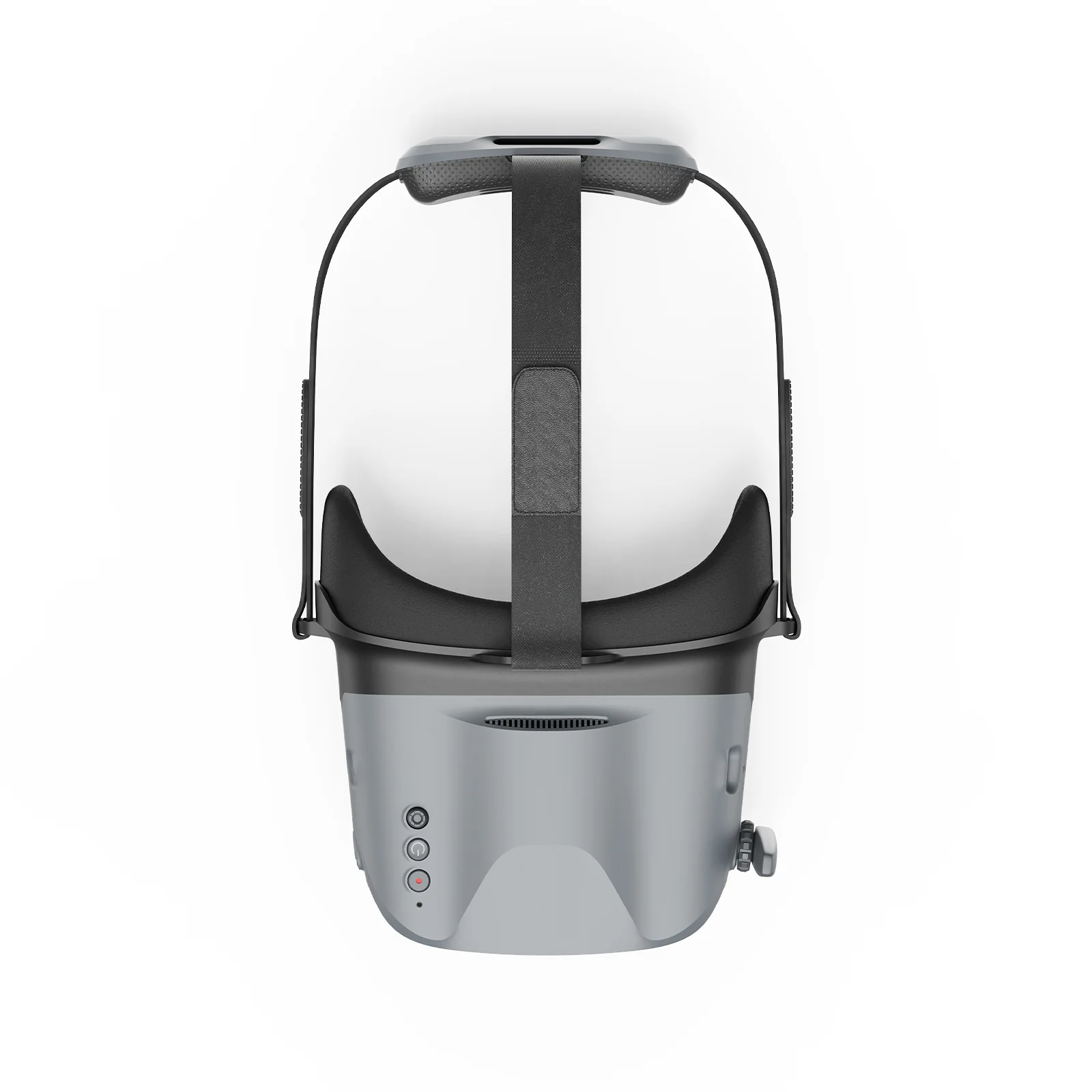
Details & Craftsmanship
Every detail has been carefully considered to bring you the perfect product.
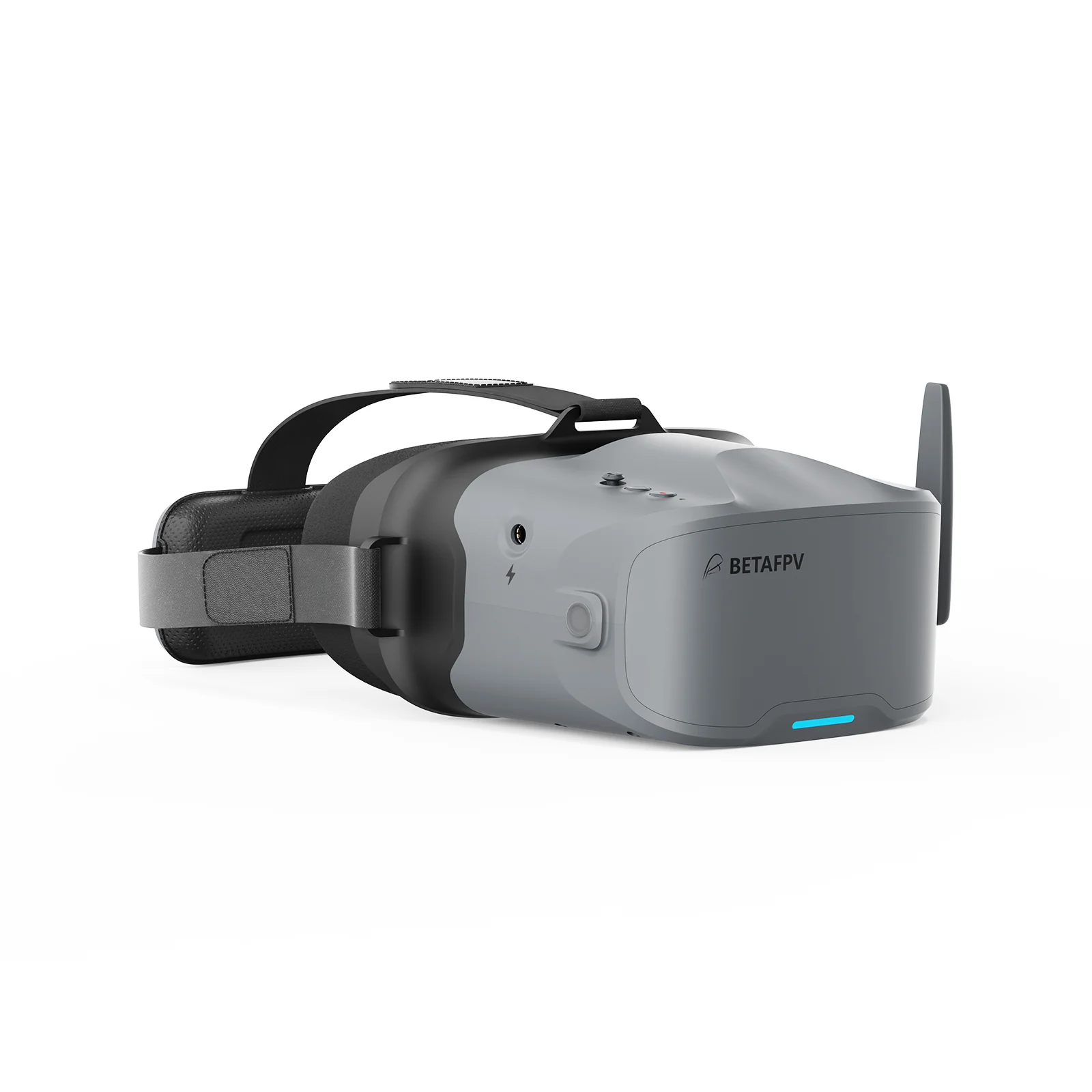
Details & Craftsmanship
Every detail has been carefully considered to bring you the perfect product.
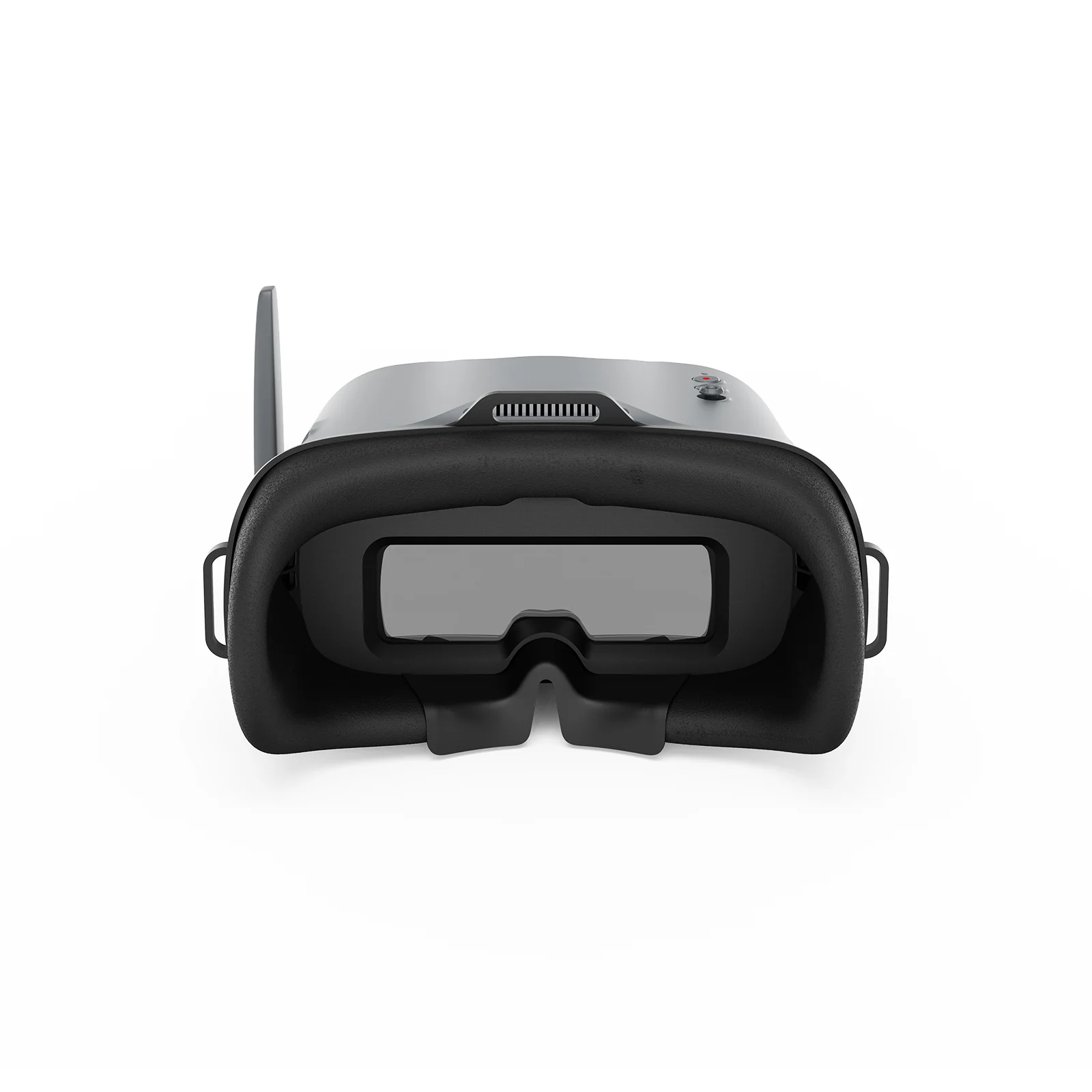
Details & Craftsmanship
Every detail has been carefully considered to bring you the perfect product.
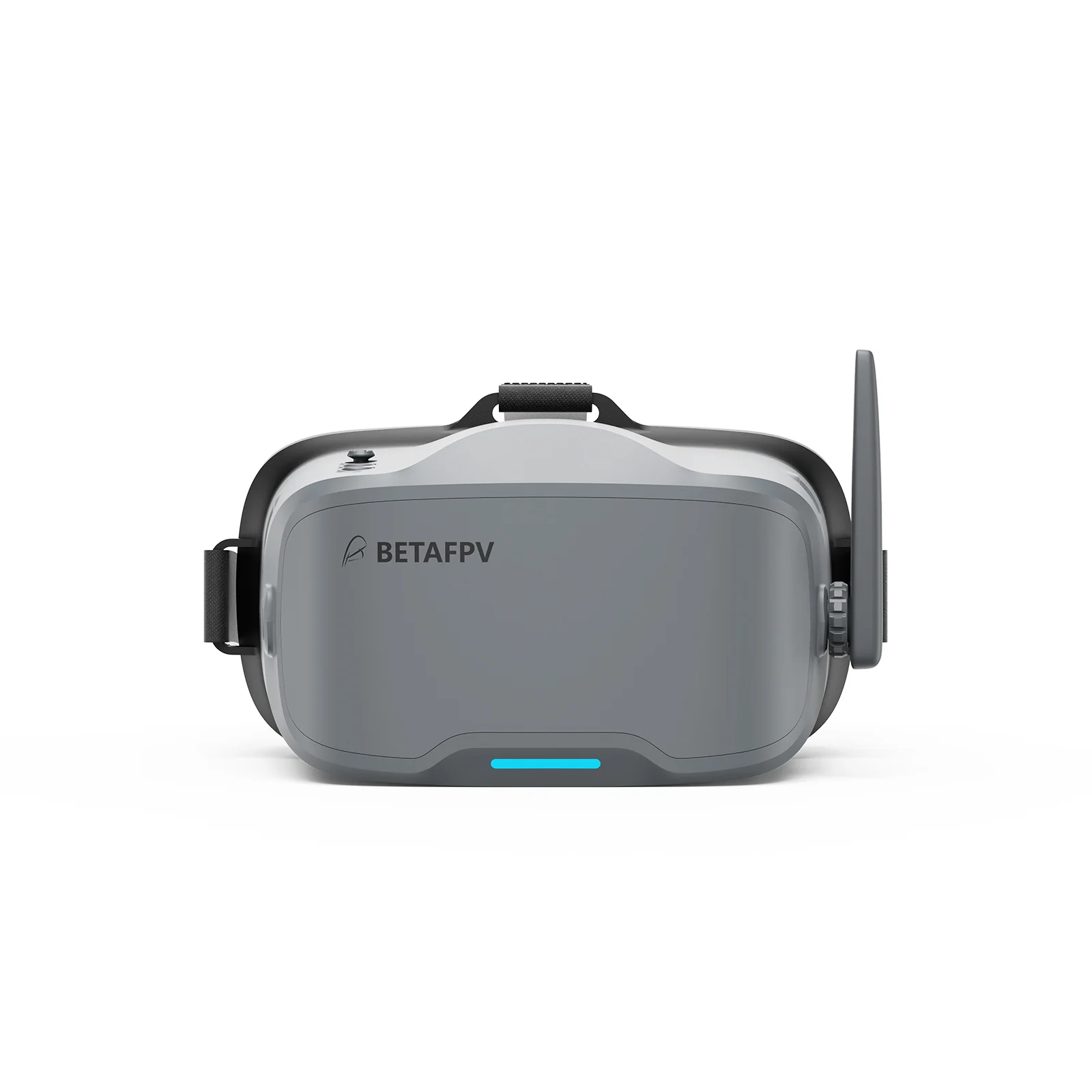
Details & Craftsmanship
Every detail has been carefully considered to bring you the perfect product.
Description
Designed for total immersion and comfort, the VR04 FPV Goggles feature a glasses-friendly design with ample space, so you never have to remove your eyewear. Enhanced with contoured face padding and a soft rubber nose bridge, they block outside light effectively while fitting securely for longer, more focused sessions. The 2000mAh built-in battery provides up to 2 hours of standby time, while one-button recording lets you effortlessly capture footage directly to a microSD card and relive your flights anytime.
Bullet Points
- Glasses-Friendly Fit: Spacious interior lets you wear your glasses comfortably while flying.
- Full Light-Blocking Design: Contoured face padding and a soft nose bridge seal out glare for total immersion.
- 2000mAh Built-in Battery: Supports up to 2 hours of continuous use and can be conveniently powered by any 2–6S whoop batteries.
-
One-Button Recording: Instantly capture smooth footage directly to the goggles with a single press.
Specifications
- Size: 168.8x182.1x98.5mm
- Weight: 425g±10g
- Video Format: NTSC/PAL
- Supported Channel: 48CH
- Screen Size: 4.3 inch
- Screen Resolution: 800*480
- Battery: 3.7V, 2000mAh
- Runtime: About 2 hours in normal mode, about 1 hours in recording mode
- Antenna Port: RP-SMA
- Charging Port: Type-C
- Card Slot: MicroSD card (Not included), Supports FAT32 system, maximum 64GB storage
- Recording Resolution: 480P@30fps
- Video Format: AVI
Diagram
Total Immersion & Comfort
The VR04 FPV Goggles are designed for extended-wear comfort, featuring a glasses-friendly interior that accommodates most eyewear. Premium PU face padding ensures a secure, comfortable fit, while a soft silicone nose bridge seals out external light to deliver a fully immersive flight experience.
Power Flexibility
Equipped with a built-in 2000mAh battery, the VR04 supports up to 2 hours of use on a single charge. For added flexibility, it can also be powered directly by any 2‑6S whoop battery—ideal for extended sessions or quick-swap setups.
Record & Replay
Capture each flight effortlessly with one-button recording directly to a microSD card (supports up to 64GB of storage). Relive your most thrilling moments anytime, with no extra gear required.
How to Record A Video?
- Insert a microSD card into the card slot, FAT32 format only and maximum 64G;
- Short press the record button once, a red dot will appear in the upper left corner. Then there will be a "beep-beep" sound from FPV goggles;
- Wait for 8 seconds, the red dot and the recording LED indicator will start flashing. At the same time, a timer appears on the screen, indicating the start of recording;
- To stop the recording, short press the record button once again. After 2-3 seconds, the red dot on the upper left corner stop flashing, the timer disappears, and the red record LED indicator turns off.
Notes:
1. After pressing the record button, the DVR recording function will take about 8-10 seconds to be activated, please wait in patience.
2. The maximum length of each recording is 10 minutes. When a recording exceeds 10 minutes, a new recording file will be created automatically.
The VR04 FPV Goggles support 5.8G and 48 channels. Press and hold the 5D button for 2-3 seconds to activate frequency search. There will be a beep after 3 seconds, and the best available frequency will be selected automatically. Signal quality of each frequency is indicated by red, yellow and green.
- Green (0<RSSI<20): Frequency is available.
- Yellow (20<RSSI<70): Frequency has moderate interference from another transmitter.
- Red (70<RSSI): Frequency is completely in use by a transmitter.
- White: The strongest signal which the goggles received in this scan.
File
User Manual for VR04 FPV Goggles
Recommended Parts
Quadcopters: Aquila20 FPV Kit
Package
- 1 * VR04 FPV Goggles
- 1 * Adjustable Headband
- 1 * User Manual