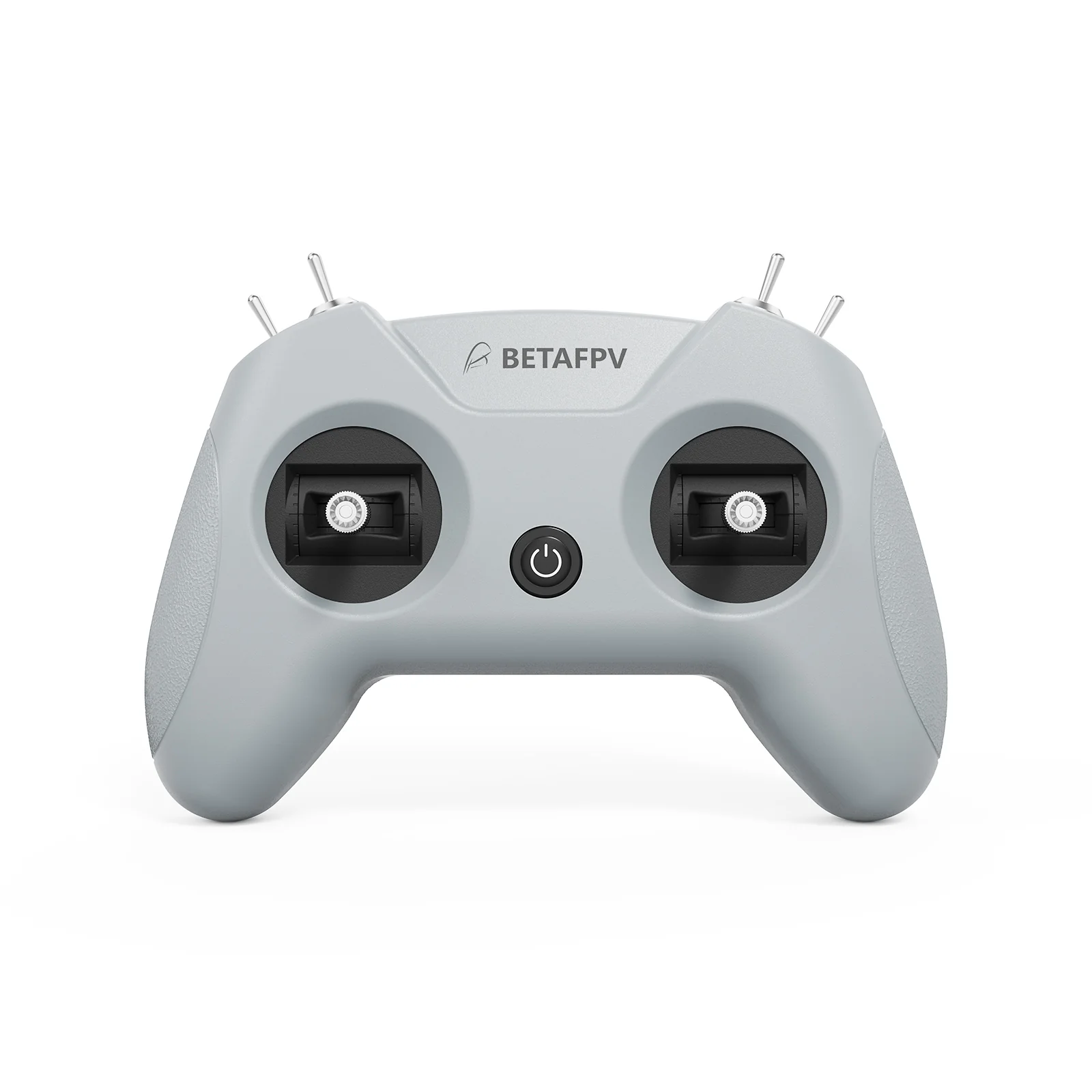
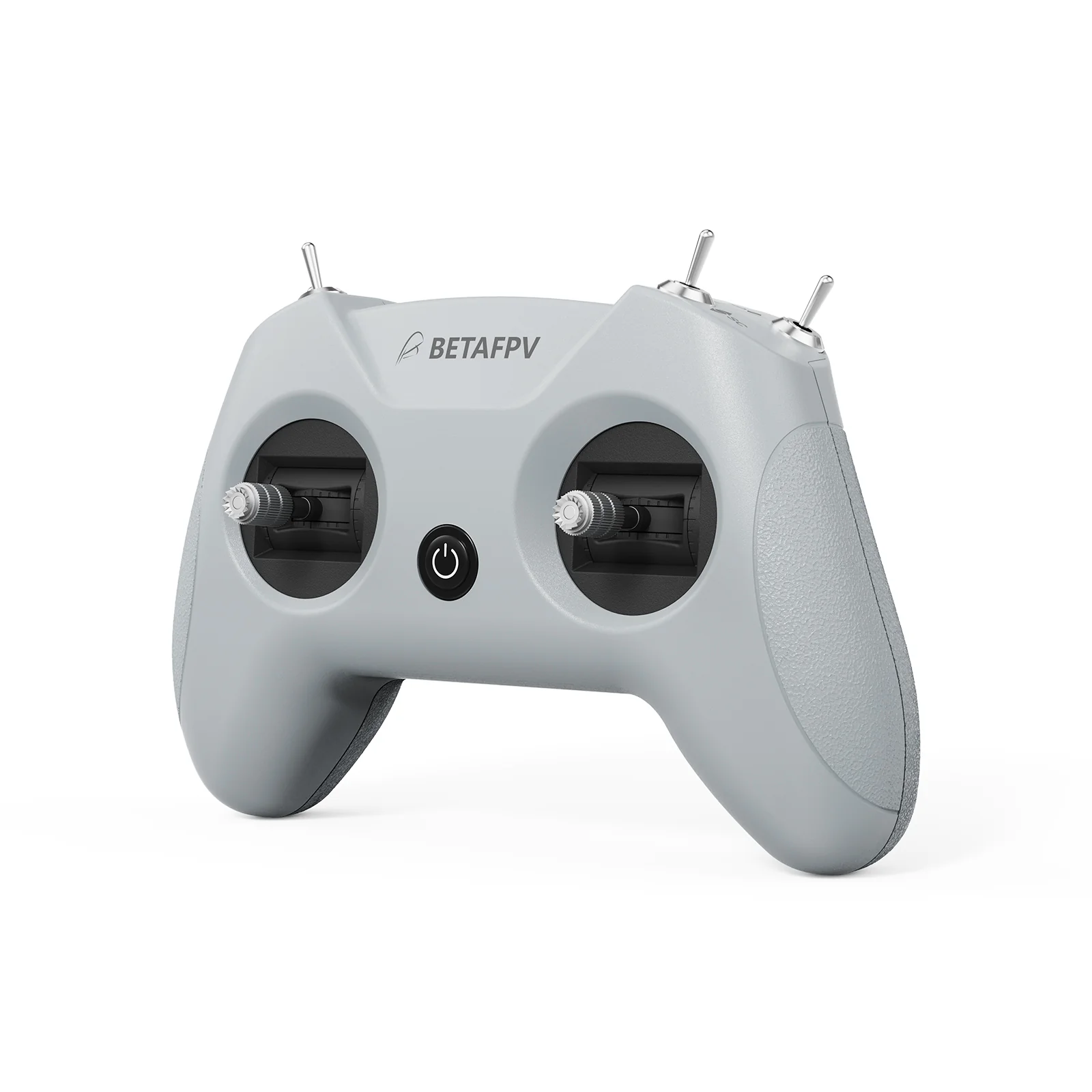
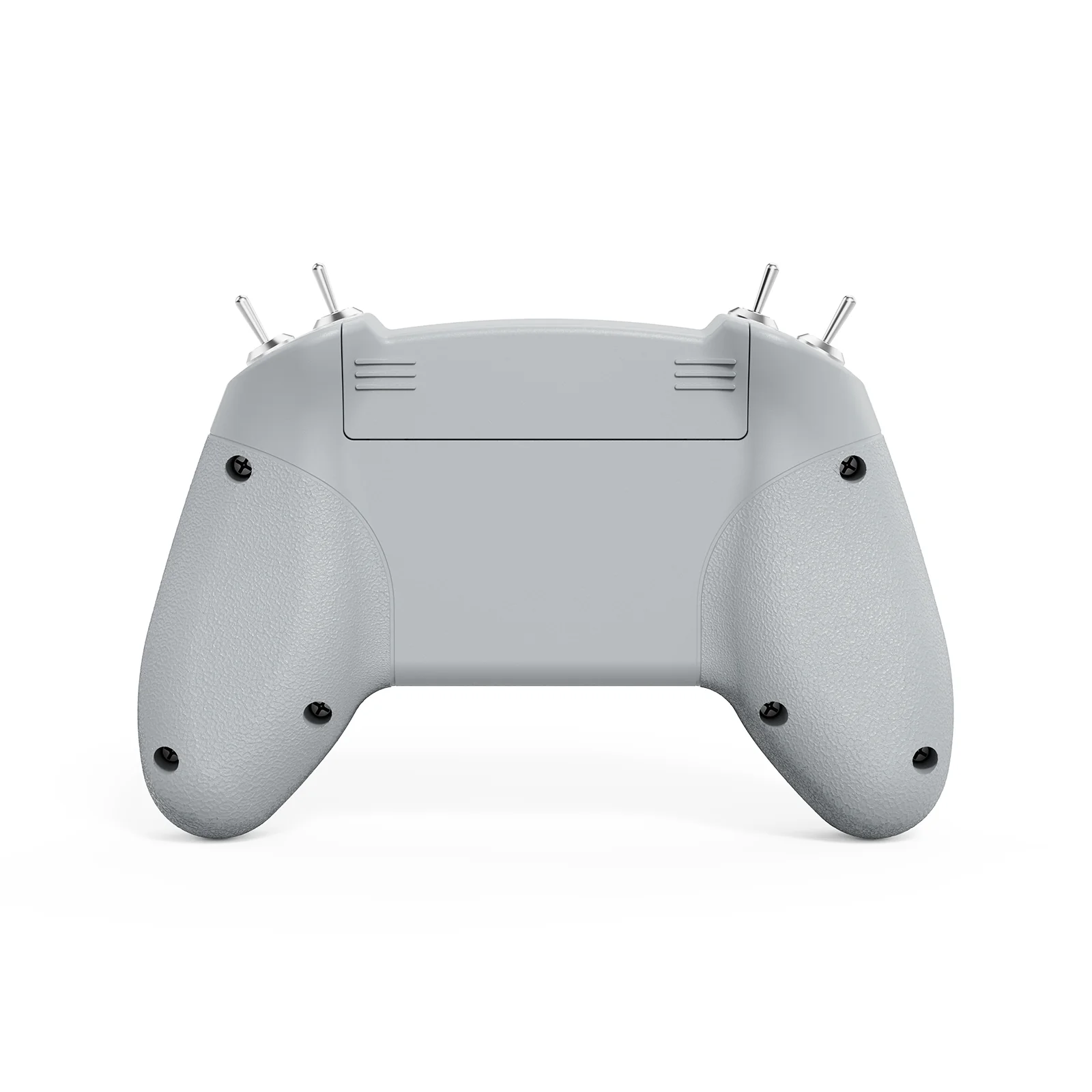
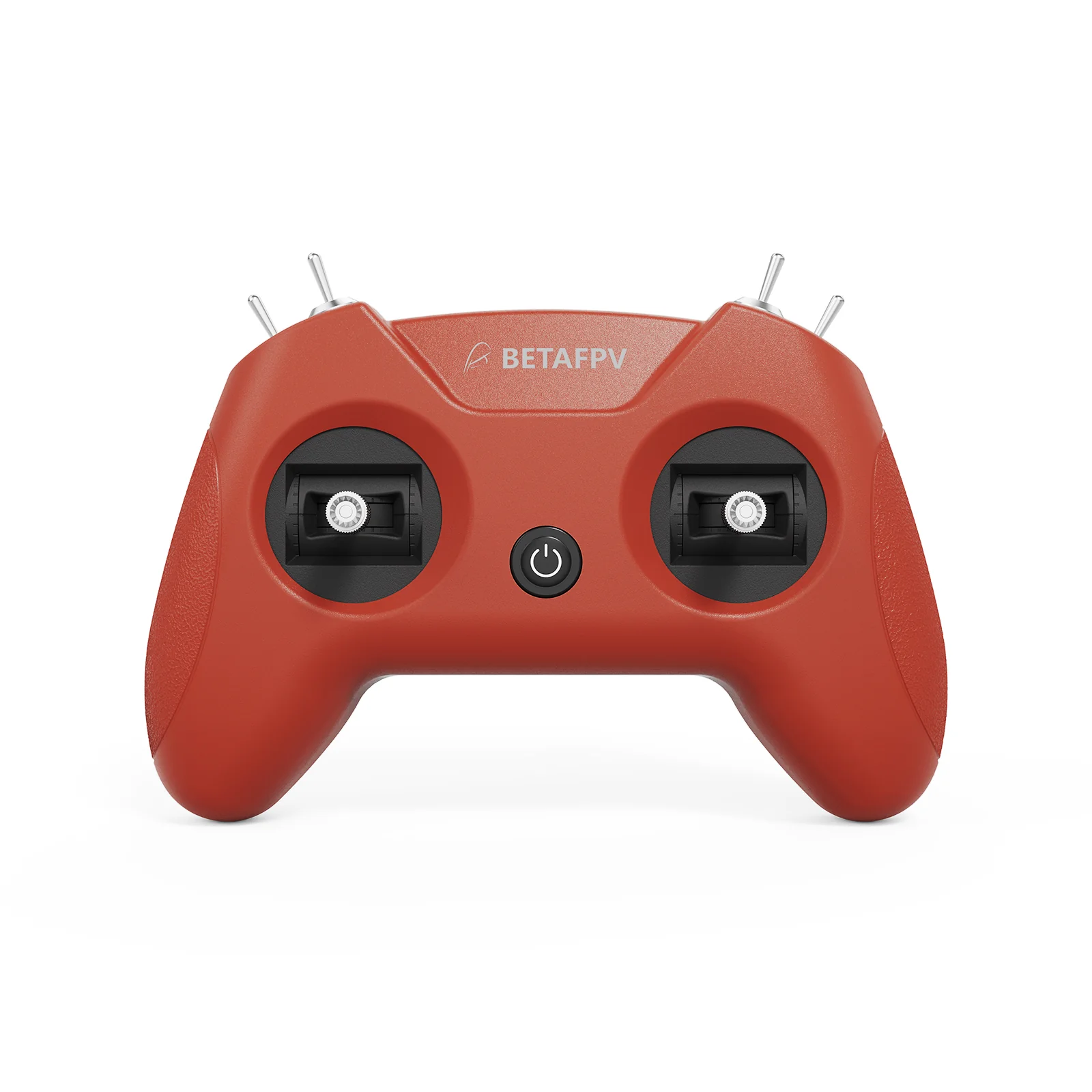
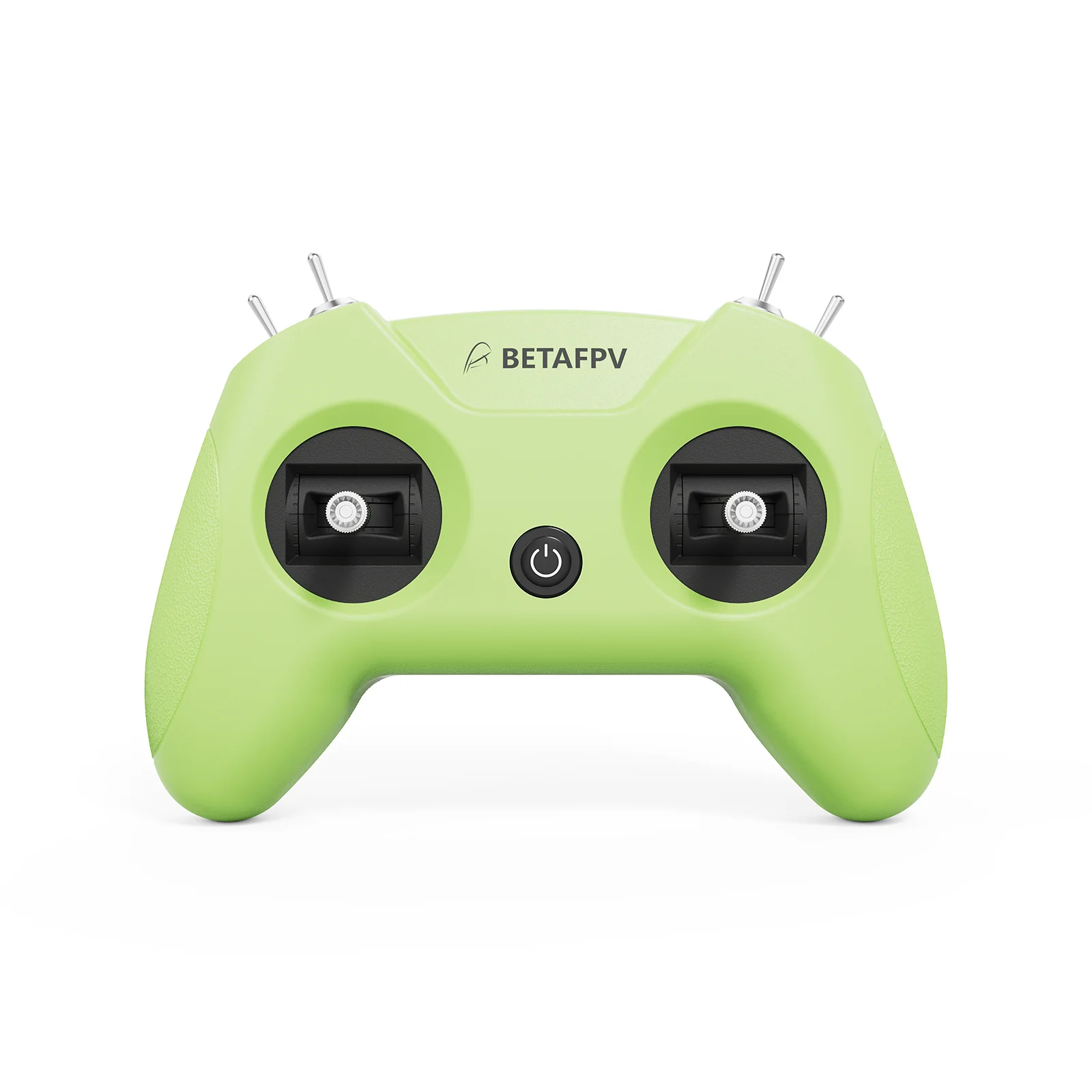
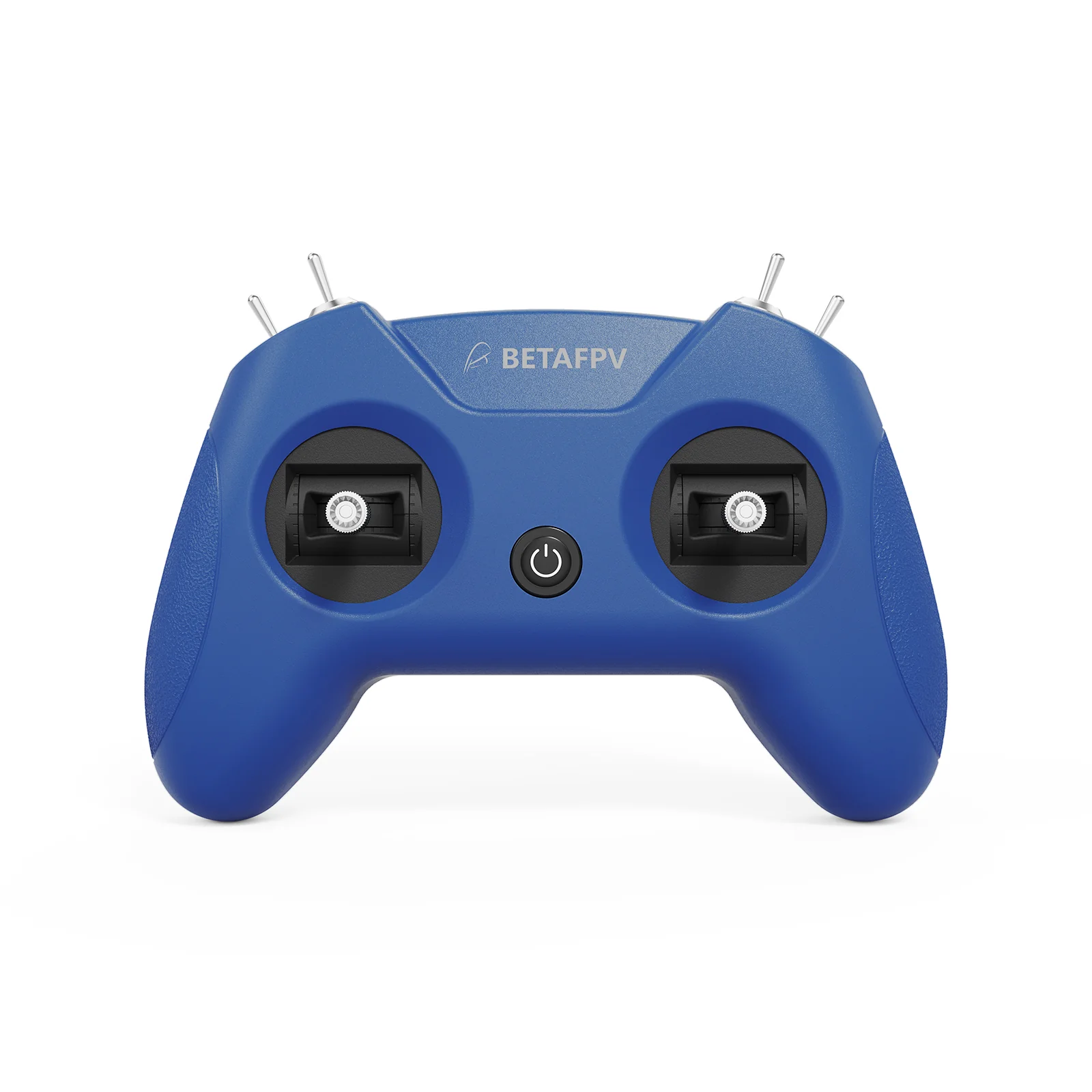
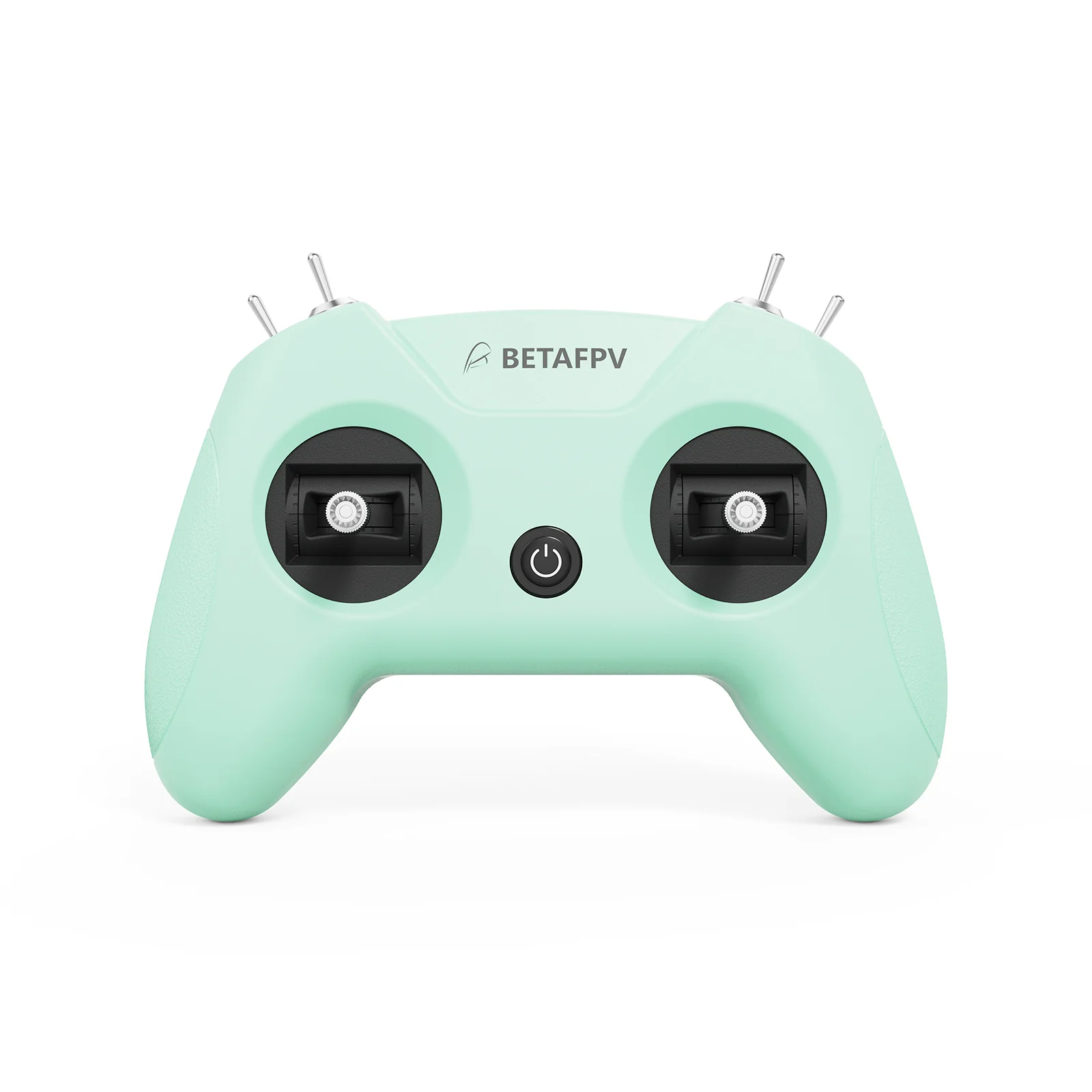
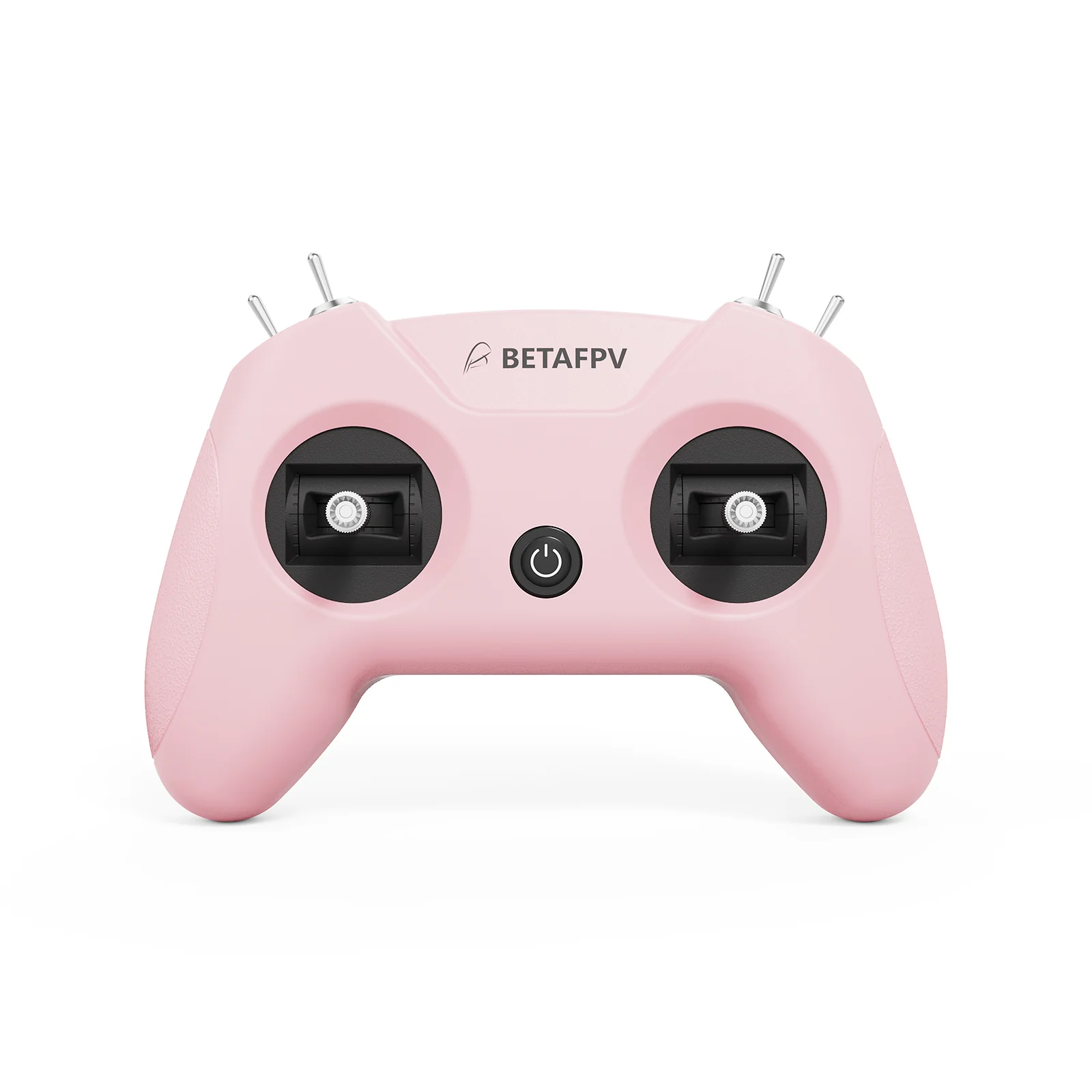
Engineered exclusively for simulator training, the LiteRadio 2 SIM Controller delivers authentic FPV flight feel without real-world risks. Unlock universal compatibility across every major simulator platform – from DRL and VelociDrone to DJI Virtual Flight and Phoenix RC – through its triple-mode connectivity (Joystick/Xbox/Dongle). Customize your setup with vibrant color options and select Mode 1 or Mode 2 configurations. The front-facing Type-C port ensures tangle-free connections to PCs, tablets or mobiles, while BETAFPV Configurator support keeps firmware updated with one click. LiteRadio 2 SIM, your ultimate sim companion!
Bullet Points
Triple-Mode Sim Access: Practice on every major FPV simulator
6 Vibrant Colors + Mode 1/2: Express your style with Light Gray, Crimson Red, Dark Blue, Light Cyan, Lime Green, and Pink
Plug & Play Convenience: Front-mounted Type-C for hassle-free connection and play
Engineered for Effortless Mastery: BETAFPV's latest gimbal & LiteRadio system for precise simulator response
Future-Proof Performance: Seamless firmware upgrades via BETAFPV Configurator for new sims and features
Specifications
Item: LiteRadio 2 SIM Controller
Channel: 8
Gimbal: Potentiometer Gimbal
Operating Power: 30mA/5V
Port: Type C
Power Supply: USB cable connection
Operating Temperature: -10℃ to 40℃ (14°F to 104°F)
Weight: c.150g
Dimensions: 64.5mm*115.3mm*164.6mm
Diagram
Triple-Mode Sim Access
The LiteRadio 2 SIM unlocks universal simulator compatibility across every major FPV and RC flight simulator on Windows/macOS/Android, providing a seamless cross-platform training experience for pilots at any skill level.
JoyStick Mode: VelociDrone, UNCRASHED, DRL, DCL, Liftoff, TRYP FPV, FeelFPV, FPV Freerider, RaceFly, and other FPV simulators on Steam.
Connect LiteRadio 2 SIM to your PC/mobile/tablet using the Type-C cable.
Recognized as "BETAFPV Joystick".
Xbox Mode: Aerofly RC 8, DJI Virtual Flight.
Simultaneously move the left joystick to the lower right corner and the right joystick to the lower left corner.
Connect LiteRadio 2 SIM to your device using the Type-C cable, then the indicator light flashes white rapidly 3 times, indicating it is in Xbox mode.
Recognized as "BETAFPV Joystick".
Dongle Mode: Phoenix RC 6.0.
Simultaneously move the left joystick to the upper right corner and the right joystick to the upper left corner.
Connect LiteRadio 2 SIM to your device using the Type-C cable, then the indicator light flashes blue rapidly 3 times, indicating it is in Dongle mode.
Recognized as "BETAFPV Joystick".
Express Your Style - Fly in Color
The LiteRadio 2 SIM lets you train in vibrant personality with 6 eye-catching color options: Light Gray, Crimson Red, Dark Blue, Light Cyan, Lime Green, and Pink. Choose Mode 1 or Mode 2 configurations in our best-selling Light Gray and Crimson Red editions to match your preferred grip style.
Engineered for Effortless Mastery
Featuring a front-mounted Type-C port that eliminates cable strain and enables true plug-and-play operation (connect → fly within seconds), paired with LiteRadio's pro-grade gimbal for pixel-perfect control. Perfect for beginners yet robust enough for advanced training, this controller transforms any desk into a high-performance simulator cockpit.
Update via BETAFPV Configurator
The LiteRadio 2 SIM Controller stays future-ready with updates via the BETAFPV Configurator, ensuring compatibility with new simulator releases and features. The BETAFPV Configurator is an open-source configuration tool tailored for BETAFPV drones and remote controls. It enables pilots to effortlessly configure and fine-tune various parameters, ensuring more efficient and optimized flight control.
Easy Parameter Adjustment: Designed for BETAFPV's LiteRadio series and Cetus drones with position-hold and auto-hovering features, the software allows pilots to effortlessly adjust PID controller parameters through an intuitive graphical interface, optimizing flight performance with ease.
Real-Time Feedback: Instantly displays the effects of parameter adjustments, providing real-time monitoring and helping pilots quickly evaluate and refine settings for the drones or remote controls.
Efficient Troubleshooting: With built-in diagnostic tools, the software assists pilots in checking firmware versions and product status when a issue arises, making it easier to identify and resolve issues, minimizing downtime.
Streamlined Firmware Flashing: Features a user-friendly firmware flashing mechanism for drones and remote controls, complete with guided instructions and progress indicators, ensuring smooth, error-free updates.
Note: Press the power button on the controller and then connect it to the PC for flashing. Or it will render the USB port non-functional.
Every detail has been carefully considered to bring you the perfect product.
Details & Craftsmanship
Every detail has been carefully considered to bring you the perfect product.
Details & Craftsmanship
Every detail has been carefully considered to bring you the perfect product.
Details & Craftsmanship
Every detail has been carefully considered to bring you the perfect product.
Details & Craftsmanship
Every detail has been carefully considered to bring you the perfect product.
Details & Craftsmanship
Every detail has been carefully considered to bring you the perfect product.
Details & Craftsmanship
Every detail has been carefully considered to bring you the perfect product.
Description
Engineered exclusively for simulator training, the LiteRadio 2 SIM Controller delivers authentic FPV flight feel without real-world risks. Unlock universal compatibility across every major simulator platform – from DRL and VelociDrone to DJI Virtual Flight and Phoenix RC – through its triple-mode connectivity (Joystick/Xbox/Dongle). Customize your setup with vibrant color options and select Mode 1 or Mode 2 configurations. The front-facing Type-C port ensures tangle-free connections to PCs, tablets or mobiles, while BETAFPV Configurator support keeps firmware updated with one click. LiteRadio 2 SIM, your ultimate sim companion!
Bullet Points
Triple-Mode Sim Access: Practice on every major FPV simulator
6 Vibrant Colors + Mode 1/2: Express your style with Light Gray, Crimson Red, Dark Blue, Light Cyan, Lime Green, and Pink
Plug & Play Convenience: Front-mounted Type-C for hassle-free connection and play
Engineered for Effortless Mastery: BETAFPV's latest gimbal & LiteRadio system for precise simulator response
Future-Proof Performance: Seamless firmware upgrades via BETAFPV Configurator for new sims and features
Specifications
Item: LiteRadio 2 SIM Controller
Channel: 8
Gimbal: Potentiometer Gimbal
Operating Power: 30mA/5V
Port: Type C
Power Supply: USB cable connection
Operating Temperature: -10℃ to 40℃ (14°F to 104°F)
Weight: c.150g
Dimensions: 64.5mm*115.3mm*164.6mm
Diagram
Triple-Mode Sim Access
The LiteRadio 2 SIM unlocks universal simulator compatibility across every major FPV and RC flight simulator on Windows/macOS/Android, providing a seamless cross-platform training experience for pilots at any skill level.
JoyStick Mode: VelociDrone, UNCRASHED, DRL, DCL, Liftoff, TRYP FPV, FeelFPV, FPV Freerider, RaceFly, and other FPV simulators on Steam.
Connect LiteRadio 2 SIM to your PC/mobile/tablet using the Type-C cable.
Recognized as "BETAFPV Joystick".
Xbox Mode: Aerofly RC 8, DJI Virtual Flight.
Simultaneously move the left joystick to the lower right corner and the right joystick to the lower left corner.
Connect LiteRadio 2 SIM to your device using the Type-C cable, then the indicator light flashes white rapidly 3 times, indicating it is in Xbox mode.
Recognized as "BETAFPV Joystick".
Dongle Mode: Phoenix RC 6.0.
Simultaneously move the left joystick to the upper right corner and the right joystick to the upper left corner.
Connect LiteRadio 2 SIM to your device using the Type-C cable, then the indicator light flashes blue rapidly 3 times, indicating it is in Dongle mode.
Recognized as "BETAFPV Joystick".
Express Your Style - Fly in Color
The LiteRadio 2 SIM lets you train in vibrant personality with 6 eye-catching color options: Light Gray, Crimson Red, Dark Blue, Light Cyan, Lime Green, and Pink. Choose Mode 1 or Mode 2 configurations in our best-selling Light Gray and Crimson Red editions to match your preferred grip style.
Engineered for Effortless Mastery
Featuring a front-mounted Type-C port that eliminates cable strain and enables true plug-and-play operation (connect → fly within seconds), paired with LiteRadio's pro-grade gimbal for pixel-perfect control. Perfect for beginners yet robust enough for advanced training, this controller transforms any desk into a high-performance simulator cockpit.
Update via BETAFPV Configurator
The LiteRadio 2 SIM Controller stays future-ready with updates via the BETAFPV Configurator, ensuring compatibility with new simulator releases and features. The BETAFPV Configurator is an open-source configuration tool tailored for BETAFPV drones and remote controls. It enables pilots to effortlessly configure and fine-tune various parameters, ensuring more efficient and optimized flight control.
Easy Parameter Adjustment: Designed for BETAFPV's LiteRadio series and Cetus drones with position-hold and auto-hovering features, the software allows pilots to effortlessly adjust PID controller parameters through an intuitive graphical interface, optimizing flight performance with ease.
Real-Time Feedback: Instantly displays the effects of parameter adjustments, providing real-time monitoring and helping pilots quickly evaluate and refine settings for the drones or remote controls.
Efficient Troubleshooting: With built-in diagnostic tools, the software assists pilots in checking firmware versions and product status when a issue arises, making it easier to identify and resolve issues, minimizing downtime.
Streamlined Firmware Flashing: Features a user-friendly firmware flashing mechanism for drones and remote controls, complete with guided instructions and progress indicators, ensuring smooth, error-free updates.
Note: Press the power button on the controller and then connect it to the PC for flashing. Or it will render the USB port non-functional.